
For a contractor, electrician, mover, or small distributor, the Google Map Pack is the most valuable real estate online. It is the cluster of three businesses that shows up first when someone searches a local service, and homeowners typing “near me” at 9pm tend to call whoever appears first.
Here is what most trade and service businesses are never told: where your business is anchored on the map is a ranking factor you can actually influence. This guide breaks down how Google ranks local businesses, why running from a home or virtual address quietly caps your reach, and how a real commercial address in a strong market changes the math.
How Google decides who ranks locally
Google ranks Map Pack and local results on three core signals:
- Relevance — how well your profile matches what someone searched.
- Distance (proximity) — how close your business is to the searcher.
- Prominence — reviews, citations, backlinks, and how complete and active your profile is.
Relevance and prominence are the long game. But proximity is the one quietly tied to a single data point: the address Google has on file for your business.
"Proximity to the searcher remains the single most important ranking factor for the local pack, accounting for significantly more weight than organic SEO signals or even review count in high-competition urban areas." — BrightLocal Local Search Rankings Report, via TrustMedia
The proximity problem: your address sets your radius
When you show a verified physical address, Google sets your ranking “center of gravity” at that point. Most businesses can expect to rank within roughly a 1–5 mile radius around it, according to Whitespark.
Here is the trap: the service areas you draw on your profile do not move that radius. Whitespark is blunt — listed service areas “have no impact on rankings at all… your rankings will still be defined by that little 1–5 mile circle around your business.” So if your verified address is a house in an outer suburb, that is the circle you are stuck competing in, no matter how many cities you list.
That is the proximity handicap that hits most Service Area Businesses (SABs): plumbers, HVAC techs, cleaners, and roofers who run from home end up anchored where they sleep, not where the work is.
Storefront vs. service area: the setup that wins
| Factor | Physical address (verified location) | Service Area Business (hidden address) |
|---|---|---|
| Map pin | Visible pin on Google Maps | No pin, shaded area only |
| Ranking radius | Strong, anchored at your address | Defaults to original verification point |
| Trust signal | High, Google favors verified locations | Moderate, needs more proof of activity |
| Local-pack visibility | Stronger | Often lower in high-intent searches |
| Primary risk | None, if the address is legitimate | Anchored to the wrong neighborhood |
Sources: Shoreline Digital, TrustMedia. One aggregated study cited a 20–30% lift in local-pack impressions within 60 days after a business moved from a hidden address to a visible office in a relevant commercial zone.
The honest takeaway: a verified physical address in a commercial area is the stronger setup, if the address is real.
The virtual office trap (do not do this)
The shortcut everyone tries, a P.O. box, a mailbox-store address, or a virtual office in the city center, is the fastest way to get suspended, which is far worse than a small radius.
Google’s guidelines are explicit:
- P.O. boxes and remote mailboxes are not allowed.
- A business must make in-person contact with customers during stated hours.
- A coworking or shared address only qualifies if it has clear signage, is staffed during business hours, and can receive customers, per BrightLocal. A shared mailing address alone fails.
Google’s systems are good at spotting virtual offices and shared mailboxes. Fake the location and you risk losing the listing entirely.
What a legitimate commercial address actually requires
To anchor your profile to a stronger market the right way, the address has to be a place where you genuinely operate:
- A real, leased space you control, not a desk in a mailbox shop.
- Your own signage on the unit.
- Staff present during your stated hours.
- The ability to receive customers or deliveries there.
- Consistent NAP (Name, Address, Phone) across your website, profile, and citations.
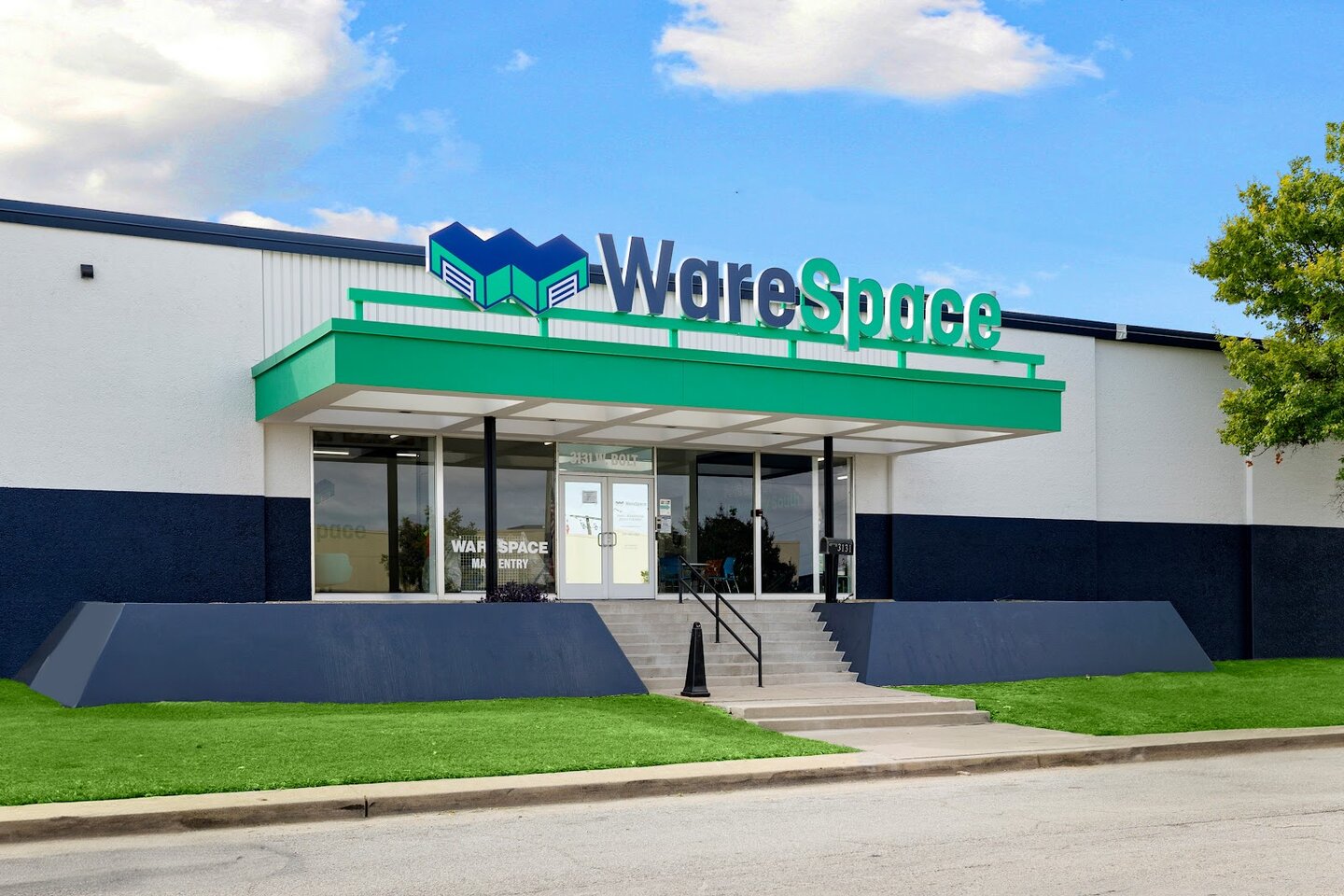
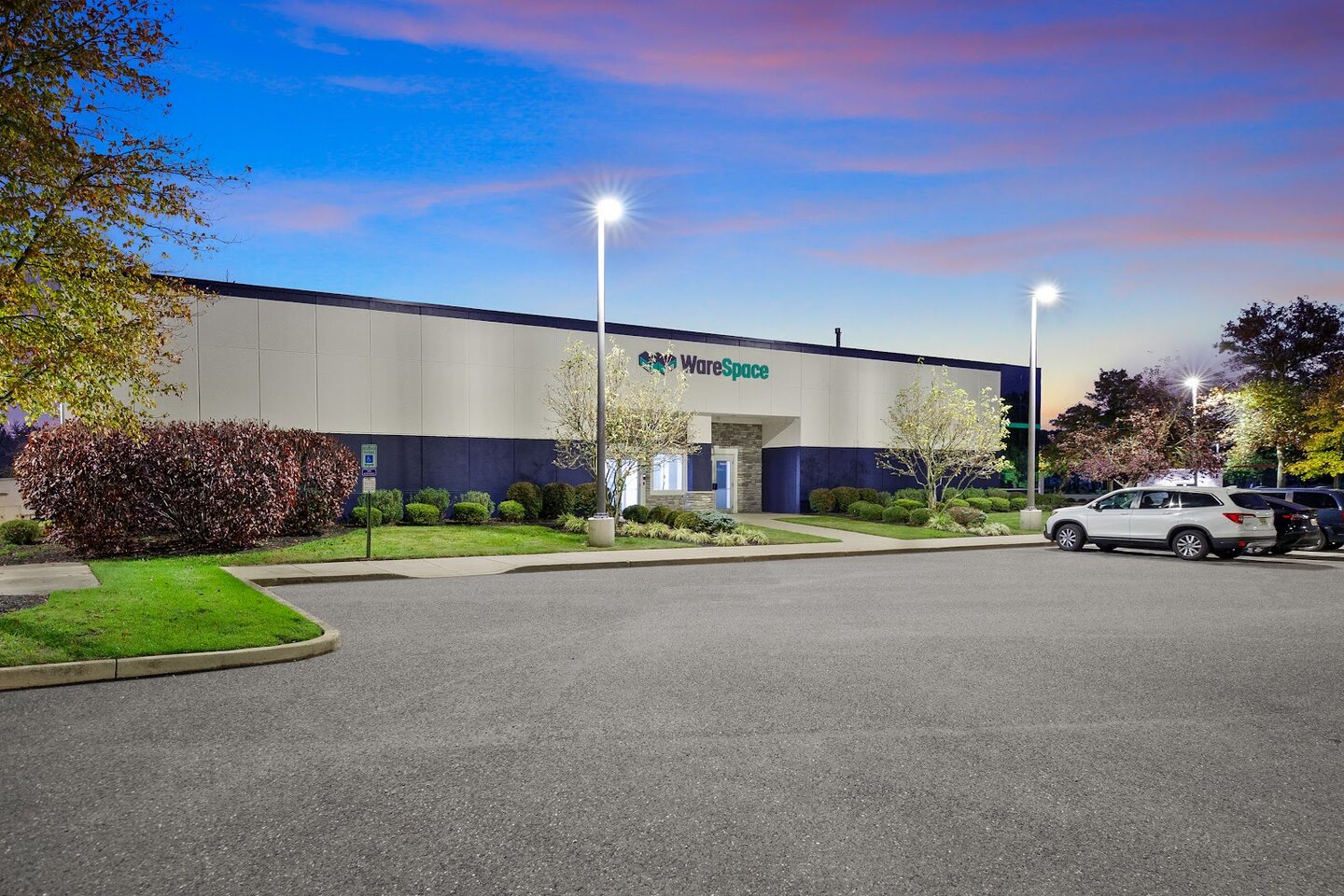
This is where a private warehouse unit fits: it is a dedicated, leased, signable space you operate from, meeting Google’s bar that a virtual office or coworking mailbox cannot.
Where WareSpace fits
WareSpace gives trade and service businesses a real, private warehouse unit (200 to 2,000+ Sq Ft) on a short, all-inclusive lease, across roughly 20 US metros, typically in strong commercial corridors near the customers you want.
That means a legitimate, verifiable commercial address you can put on your Google Business Profile: your own unit, your own signage, your team on site. Instead of being anchored to a house in an outer suburb, your map pin sits in a market where demand actually is. You get the warehouse, dock, and workspace you needed anyway, and the addressing benefit comes with it.
It is not a loophole or a mailbox. It is the real space Google wants to see, which is what makes it count. You can explore co-warehousing or check current pricing to see how a unit fits your operation. Not sure you are ready for a commercial space yet? See the 7 signs your business has outgrown your home or garage.
Beyond address: the ranking work that compounds
A strong address sets your starting line. Relevance and prominence win the race. Pair the location with the work that compounds over time:
- Reviews — top-3 Map Pack businesses average around 240 Google reviews (Pipeline On). Ask every customer at job completion.
- A complete profile — every service listed, accurate hours, photos updated monthly. Customers are 2.7x more likely to consider a business reputable with a complete profile.
- Location-specific website pages — name the neighborhoods you serve to build relevance.
- Local citations and backlinks — consistent NAP everywhere, plus mentions from local sites.
The bottom line
Local rankings reward businesses that are genuinely rooted in their market. The fastest structural fix most trades overlook is the simplest: operate from a real commercial address where the customers are, not the suburb you happen to live in. If you need warehouse or shop space anyway, you can solve both at once.
Frequently asked questions
Does a physical address really rank better than a service area on Google Maps? Generally yes. A verified physical address gives Google a fixed point to measure proximity, which is the heaviest local-pack signal. Service areas you list do not extend your ranking radius, so a hidden-address SAB usually competes in a smaller circle around its verification point.
Can I just use a virtual office or P.O. box to rank in a better area? No. Google prohibits P.O. boxes and remote mailboxes, and a coworking or virtual address only qualifies if it has clear signage, is staffed during business hours, and can receive customers. Faking a location risks suspension, which removes you from the map entirely.
Does a leased warehouse unit qualify for a Google Business Profile? A private, leased unit where you operate, with your own signage and staff present during stated hours, meets Google’s eligibility bar in a way a virtual office cannot. Always represent your business honestly and keep your NAP consistent everywhere.
How many reviews do I need to reach the top three? There is no fixed number, but analysis of millions of profiles found top-3 businesses average roughly 240 reviews, and more in competitive metros. Treat that as a floor, not a ceiling, and build review volume steadily.
Get on the map in a stronger market
A real commercial address, where your customers are
WareSpace offers private warehouse units from 200 to 2,000 Sq Ft with loading docks, HVAC, 24/7 access, and clear signage, on short-term, all-inclusive leases starting at $1,000/mo across ~20 US metros.


